What Is Android eSIM?
Android eSIM sIM maya Pengesahan SMS Google Pixel Samsung

What Is Android eSIM?

What Is Android eSIM?

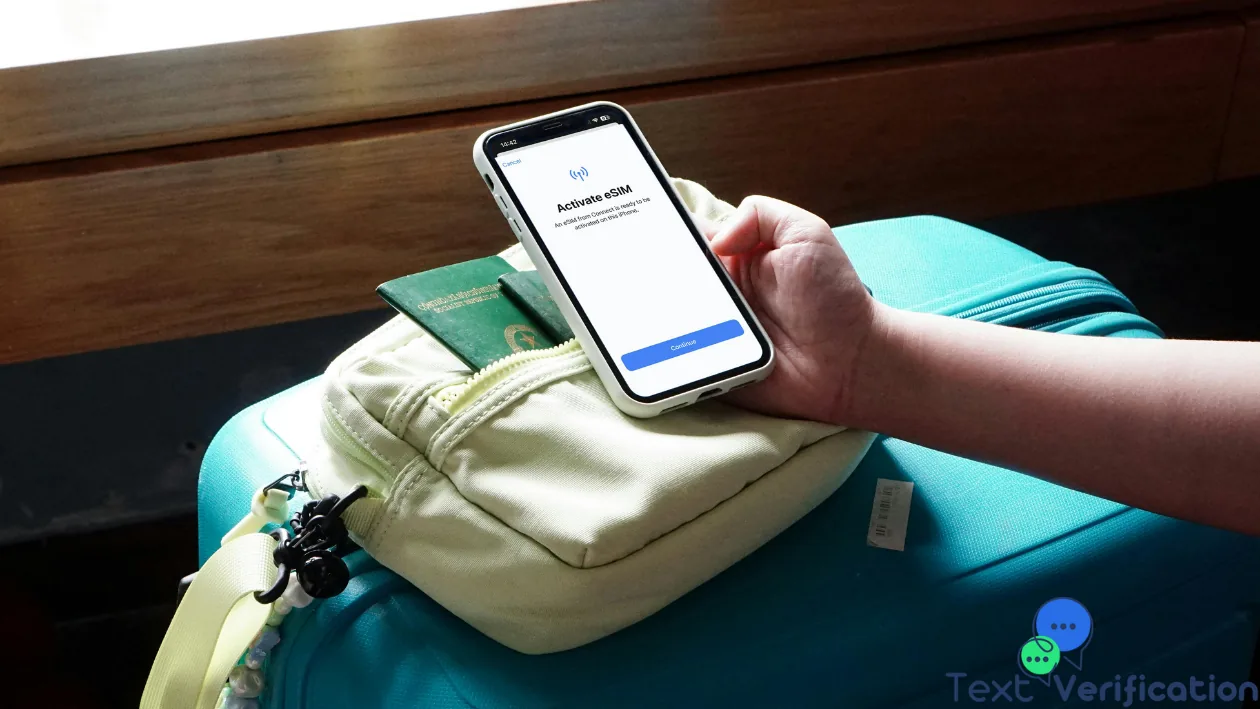
Android eSIM(Embedded SIM) is a digital SIM module soldered directly onto your phone's motherboard during manufacturing. Unlike a physical SIM card, it cannot be removed or inserted. Your carrier's credentials are written wirelessly to this module via a QR code or app, making your line active in seconds. The result: two separate numbers on a single Android device, managed entirely through software.

Key Advantages of Android eSIM

  • True dual-line capability:Keep a personal and a business number on one device simultaneously.
  • Instant activation:Purchase and activate a local data plan abroad in minutes — no SIM card hunting needed.
  • Remote deactivation:If your device is stolen, your carrier can disable the eSIM remotely, preventing misuse.
  • Profile storage:Store multiple eSIM profiles and switch between them when traveling internationally.
  • Privacy protection:Use anombor maya sementaraalongside your eSIM to keep your real line private from apps and services.

Which Android Phones Support eSIM?

eSIM support spread across the Android ecosystem from 2018 onward. Major compatible devices:

  • Google Pixel:Pixel 3 and all later models (Pixel 8 Pro supports dual eSIM).
  • Samsung Galaxy:Galaxy S20 series onward, plus Z Fold and Z Flip foldables.
  • Motorola:Razr (2019) and select Moto G models.
  • Huawei:P40 series with limited regional eSIM availability.
  • Oppo, OnePlus, Xiaomi:Flagship models from 2022+ increasingly include eSIM.

Always verify eSIM support for your exact model and region on the manufacturer's website before purchase.

eSIM-Compatible Carriers Worldwide

Over 300 carriers globally support eSIM on Android, including AT&T, T-Mobile, Verizon (US); EE, O2, Vodafone (UK); Deutsche Telekom, Vodafone DE (Germany); Orange, SFR (France); Jio, Airtel (India); and many more. Check your carrier's website for the exact activation process and compatible device list.

How to Activate Android eSIM — Step by Step

Method 1: QR Code Activation

  1. Contact your carrier and request an eSIM plan. They will provide a QR code via email, in-store, or through their app.
  2. On your Android device, navigate toSettings → Network & Internet → SIMs → Add eSIM(exact path varies by manufacturer and Android version).
  3. Tap"Scan QR code"and point your camera at the carrier's QR code.
  4. Tap"Activate"on the confirmation screen.
  5. Your eSIM line will be ready within seconds.

Method 2: Manual Activation Code Entry

  1. Go toSettings → Network & Internet → SIMs → Add eSIM → Enter activation code.
  2. Type the SM-DP+ address and activation code provided by your carrier.
  3. Confirm — the line verifies and activates automatically.

Method 3: Activation via Carrier App

On Google Pixel devices and some Samsung models, you can activate an eSIM directly inside the carrier's app (e.g., Google Fi, T-Mobile) without scanning any QR code. The app handles the entire provisioning process in the background.

Method 4: Samsung-Specific Activation (Galaxy)

Samsung Galaxy phones offer an additional path:Settings → Connections → SIM Manager → Add eSIM. Samsung's interface often has a carrier marketplace built in, letting you browse and purchase eSIM plans without leaving the settings menu.

Dual SIM Management on Android

Once two lines are active, Android gives you granular control:

  • Assign custom names to each line (e.g., "Personal" and "Work").
  • Choose the default line for calls, SMS, and mobile data.
  • Set specific apps to always use a particular SIM for mobile data.
  • Enable or disable automatic SIM switching to optimize coverage.

Using Android eSIM for SMS Verification and Privacy

Register apps like WhatsApp or Telegram with your eSIM number to shield your primary SIM from exposure. For even deeper anonymity — especially when creating multiple accounts or testing services —receive free WhatsApp SMSthroughtext-verification.net's virtual numbers. You can pick numbers fromany supported country, receive the verification code instantly on screen, and never expose your real Android number.

Common Android eSIM Problems and Fixes

eSIM Won't Activate or Shows an Error

  • Confirm your device is carrier-unlocked — a locked phone only accepts the locking carrier's eSIM.
  • Update Android to the latest available version.
  • Ensure you are connected to Wi-Fi before scanning the QR code.
  • Check whether your specific model variant (region) supports eSIM — not all regional variants of a phone model include eSIM hardware.

No Signal After eSIM Activation

  • Verify the eSIM line is enabled underSettings → Network & Internet → SIMs.
  • Toggle Airplane Mode on and off to refresh the radio stack.
  • Contact your carrier's support — they may need to push a remote profile update to your device.

Frequently Asked Questions

Does Android eSIM work with all apps?

Yes. Voice, SMS, mobile data, VoLTE, and all app-based SMS verification flows work identically over eSIM. Platforms likeWhatsApp, Telegram, andGoogletreat eSIM numbers exactly like physical SIM numbers.

What happens to my eSIM if I factory-reset or sell my Android?

A factory reset deletes all eSIM profiles. Contact your carrier before or after the reset to transfer the number to a new device.

Can I use a travel eSIM on Android?

Absolutely. Services like Airalo, Holafly, and regional carriers sell short-term eSIM data plans that activate instantly. Combined withvirtual numbers from text-verification.net, you can register and verify any account from any country without a physical SIM card.

Kesimpulan

Android eSIM unlocks a new level of flexibility, privacy, and convenience for modern smartphone users. Whether you are separating work and personal life, saving on roaming, or protecting your privacy by keeping your real number off third-party apps, eSIM delivers. Pair it withtext-verification.net's free virtual numbers to receive SMS verification codes for any service — without ever sharing your real Android line.

negara

Pasukan Editorial Text Verification

Mengenai Penulis

Pasukan Editorial Text Verification

Telekomunikasi & Privasi

Pasukan Editorial Text Verification terdiri daripada pakar telekomunikasi dan privasi dengan lebih daripada sedekad pengalaman gabungan dalam infrastruktur VoIP, keselamatan web, dan privasi digital. Penulis kami menguji setiap perkhidmatan yang kami liputi dan mengesahkan semua tuntutan teknikal sebelum diterbitkan.

Catatan Blog Terkini

Lihat Semua
5sim alternatif

Why You Might Need a 5sim Alternative

5sim telah lama menjadi pilihan popular untuk mendapatkan nombor maya untuk pengesahan SMS. Walau bagaimanapun, kebelakangan ini ramai pengg...