On a dual SIM phone, an SMS verification code is sent to the phone number you entered in the app or website. Choosing another SIM for mobile data or outgoing texts does not redirect that incoming message. If the code is missing, start with the destination number and the availability of its line.
- • Three settings that do different jobs
- • A simple example: data on one line, code on the other
- • What to check on an iPhone
- • What to check on Android
- • Using a travel eSIM with a data-only plan
- • Identify which part of verification failed
- • Retry in an order that avoids confusion
- • Frequently asked questions
- ◦ Do I need to move mobile data to the receiving SIM?
- ◦ Will both SIMs receive the same verification code?
- ◦ Should I use a public temporary number instead?
- • Related troubleshooting guides
Three settings that do different jobs
- Verification number: the destination selected by the account or verification form. Check its country code and any displayed final digits.
- Default SMS line: the line used to send a new text, depending on your messaging app and conversation settings. It does not rewrite a website's destination number.
- Mobile data SIM: the line providing internet access. Its connection can load the login page while a different active line receives the code.
A SIM slot label such as SIM 1, Personal or Work is a device label, not proof of the number registered with an account.
A simple example: data on one line, code on the other
Imagine your account shows a number ending in 42. Your second line ends in 87 and supplies mobile data. Requesting a code for the account still targets the number ending in 42. Making the second line the default for outgoing texts will not move the code there.
If line 42 is switched off or cannot register on a supported network, investigate that line. Change the account's number only when you actually intend to replace it and can complete the service's official number-change process.
What to check on an iPhone
Open Settings and look for Cellular or Mobile Service. Inspect the plan associated with the destination number: is the line enabled, and does it have service? Give the plans recognizable labels so you can distinguish them when checking the message details.
Review the cellular data selection separately from your voice and messaging preferences. Menu names and available options vary by region, carrier and iOS version. Apple documents Dual SIM behavior, including limitations during calls; do not assume both lines remain reachable in every situation. If a request failed during a call, finish the call and retry after the service's waiting period.
What to check on Android
Look for SIM settings under Network & internet on a Pixel, or Connections and SIM manager on a Samsung Galaxy. Other manufacturers use different paths. Verify that the SIM for the requested number is enabled and connected, then review the separate preferences for calls, texts and data.
Check the receiving line or SIM label in your messaging app if it is shown. A working internet connection or an RCS conversation does not establish that ordinary SMS can reach the destination number. Avoid changing several preferences at once: make one relevant change, then check the result.
Using a travel eSIM with a data-only plan
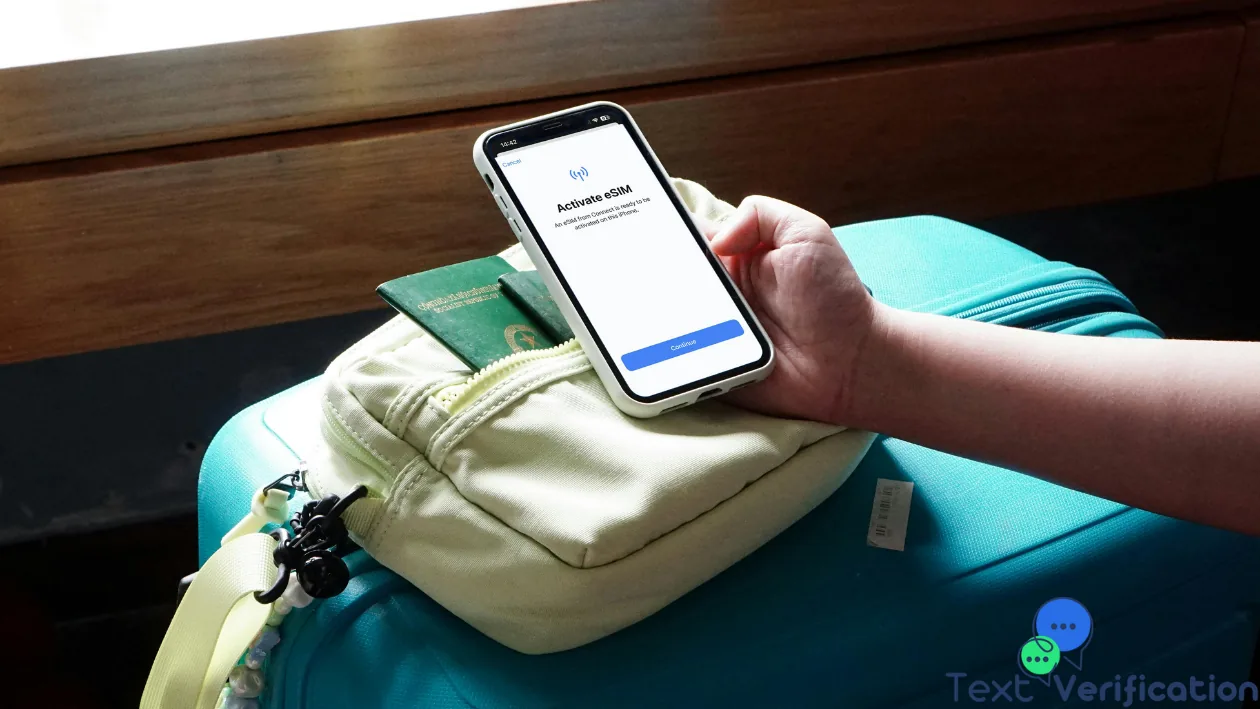
An eSIM is a SIM format, not a promise of SMS service. A data-only travel plan does not provide ordinary SMS reception simply because the phone can browse the internet. Check the purchased plan's description and whether it includes a phone number with SMS service.
If your account uses your regular number, that regular line must remain available to receive its messages. Ask its carrier about international SMS availability and roaming conditions. Do not enable data roaming on that line solely as an SMS troubleshooting step; the two settings serve different purposes and charges depend on the plan.
Identify which part of verification failed
- No message in the inbox: check the destination, the line's service and blocked or filtered messages. A normal SMS from a trusted contact can help test delivery, but does not prove that automated verification messages are supported.
- Message arrived, but no code suggestion: delivery worked. Read the message and enter the code into the genuine app or website; investigate autofill separately.
- Code entered, but rejected: confirm the account and current verification attempt. A previous or expired code is not a reason to switch SIMs.
Retry in an order that avoids confusion
- Confirm the number shown by the service without changing account details unnecessarily.
- Check that its line is enabled and has service; open the inbox and filtered-message folders.
- Wait for the resend timer. Request once, then use the code for that current attempt within its stated validity period.
- If ordinary SMS also fails, contact the carrier. If only one service fails, contact that service with the time, country code and masked destination number. Never send the verification code to support.
Deleting an eSIM or resetting the phone is not a useful first response to a number mismatch. Keep the profile in place while you establish which line and delivery stage are affected.
Frequently asked questions
Do I need to move mobile data to the receiving SIM?
Usually no. Ordinary SMS delivery targets the addressed number. The relevant line needs supported service; changing the internet connection alone does not change the destination.
Will both SIMs receive the same verification code?
Not just because they share a phone. A request targets one number. Forwarding or carrier multi-device services are separate features with their own rules.
Should I use a public temporary number instead?
A public inbox is unsuitable for private accounts or lasting recovery access. Use a number you control for accounts you need to keep, and the service's official recovery process if that number is no longer available.